Master Your Reputation in 5 Minutes
We've designed ReviewReport to be completely self-serve. Follow these simple steps to claim your time back.
Prefer a video? Watch a full walk-through of our product.
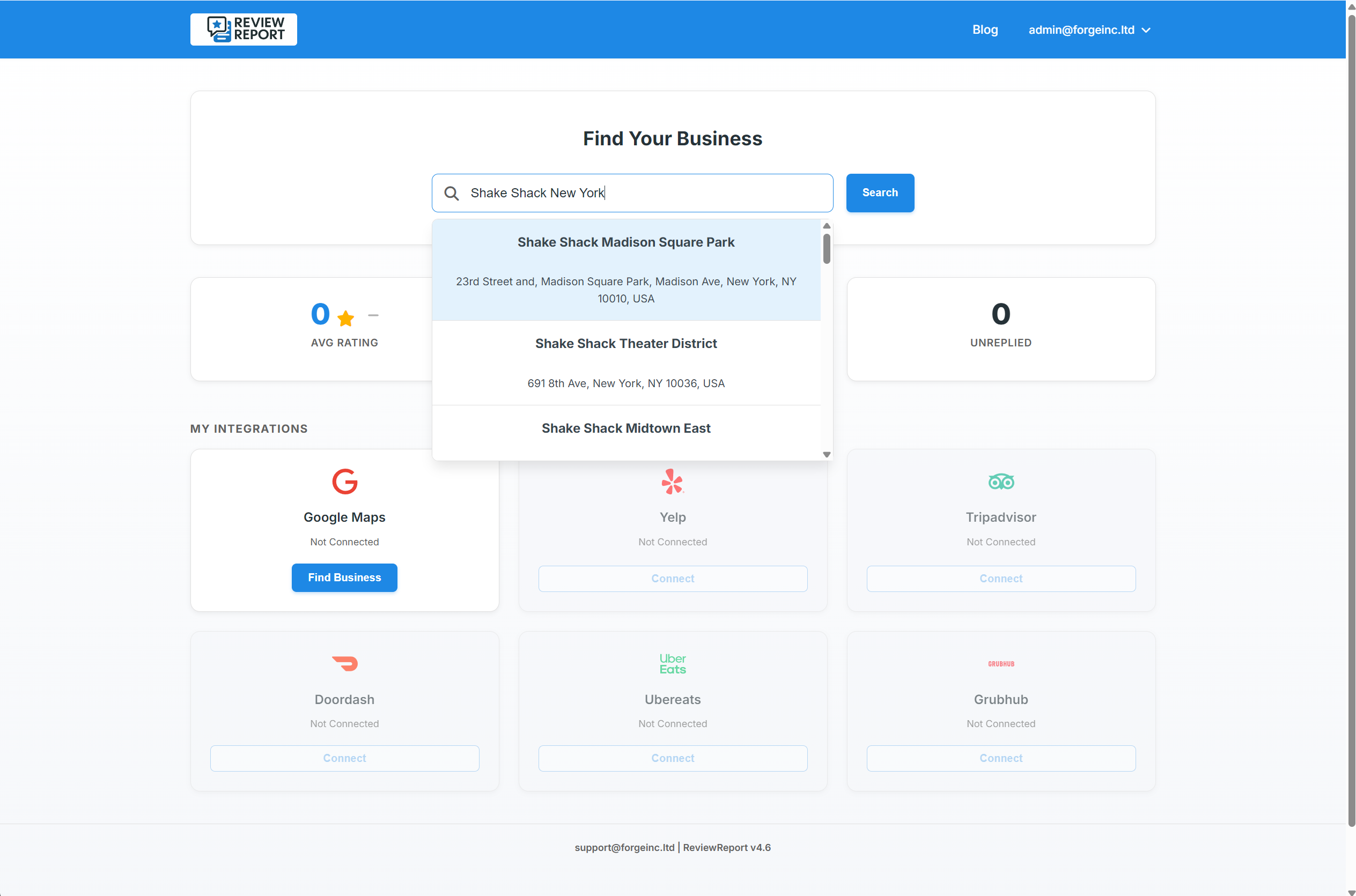
The Discovery Engine
Enter your business name and city. Our intelligent Discovery Engine will instantly search and locate your public profiles across Google, Yelp, TripAdvisor, and the major delivery apps.
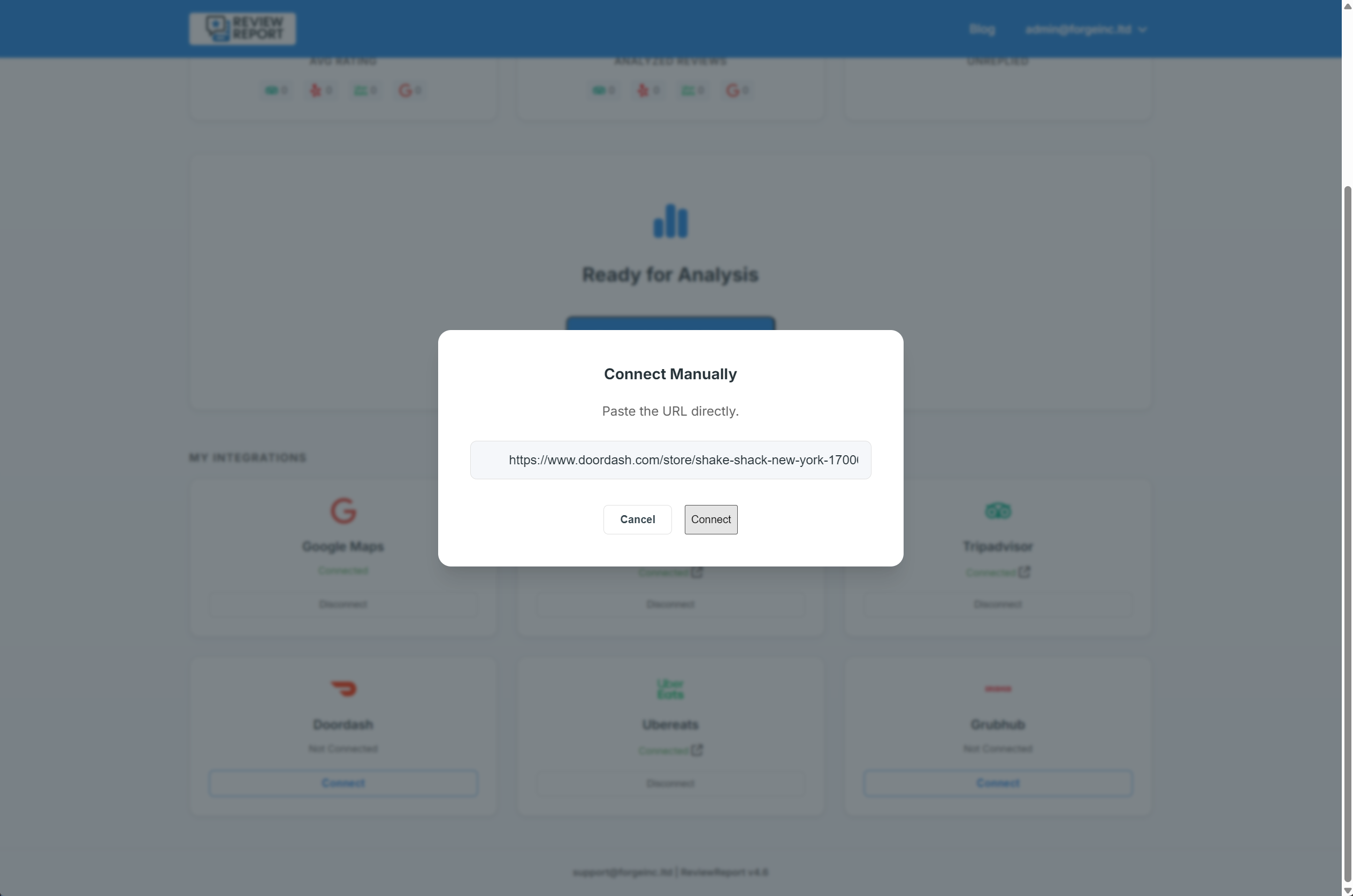
Verify Your Connections
ReviewReport will attempt to automatically connect all supported platforms.
Take a quick second to verify that the connections are accurate. You only have to do this once!
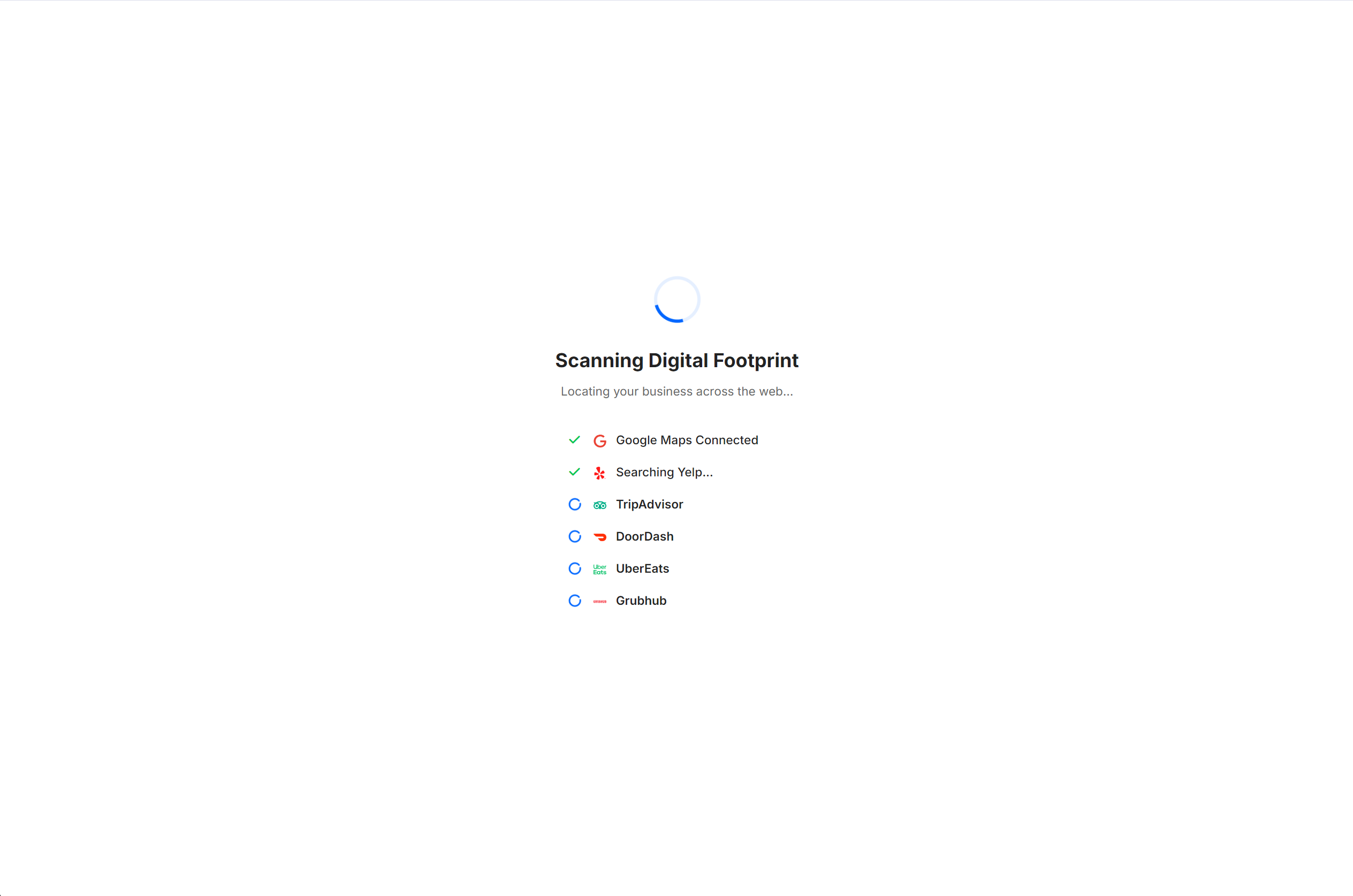
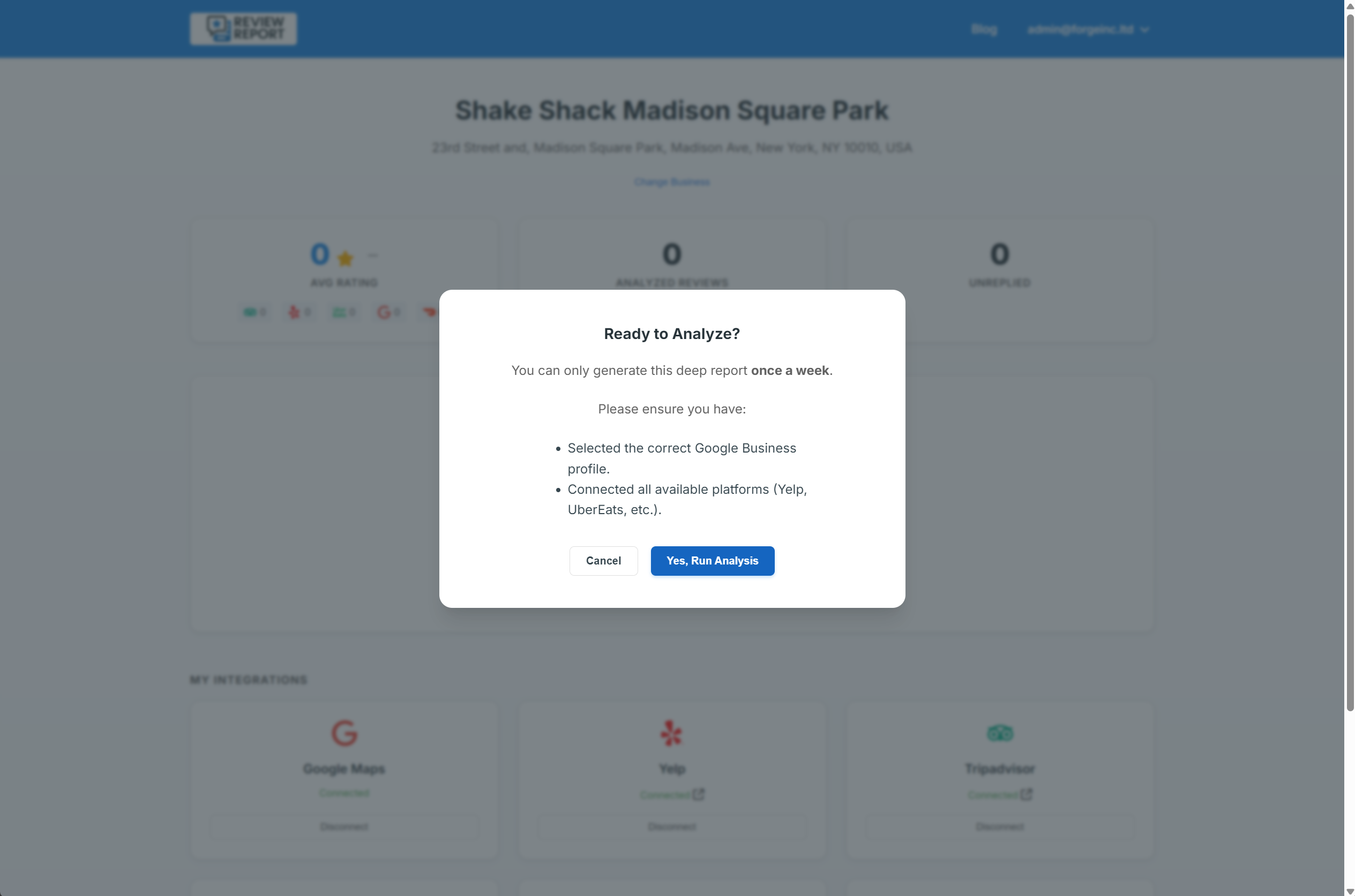
The 10-Minute Deep Scan (Generating Your First Report)
Click "Generate First Report." Please allow up to 10 minutes for this initial scan. Our AI is doing the heavy lifting—securely pulling your historic review data, analyzing sentiment, and preparing your first batch of custom AI responses. We will email you the exact moment your intelligence report is ready (the page will also refresh automatically).
Your First Win - Reply in Seconds
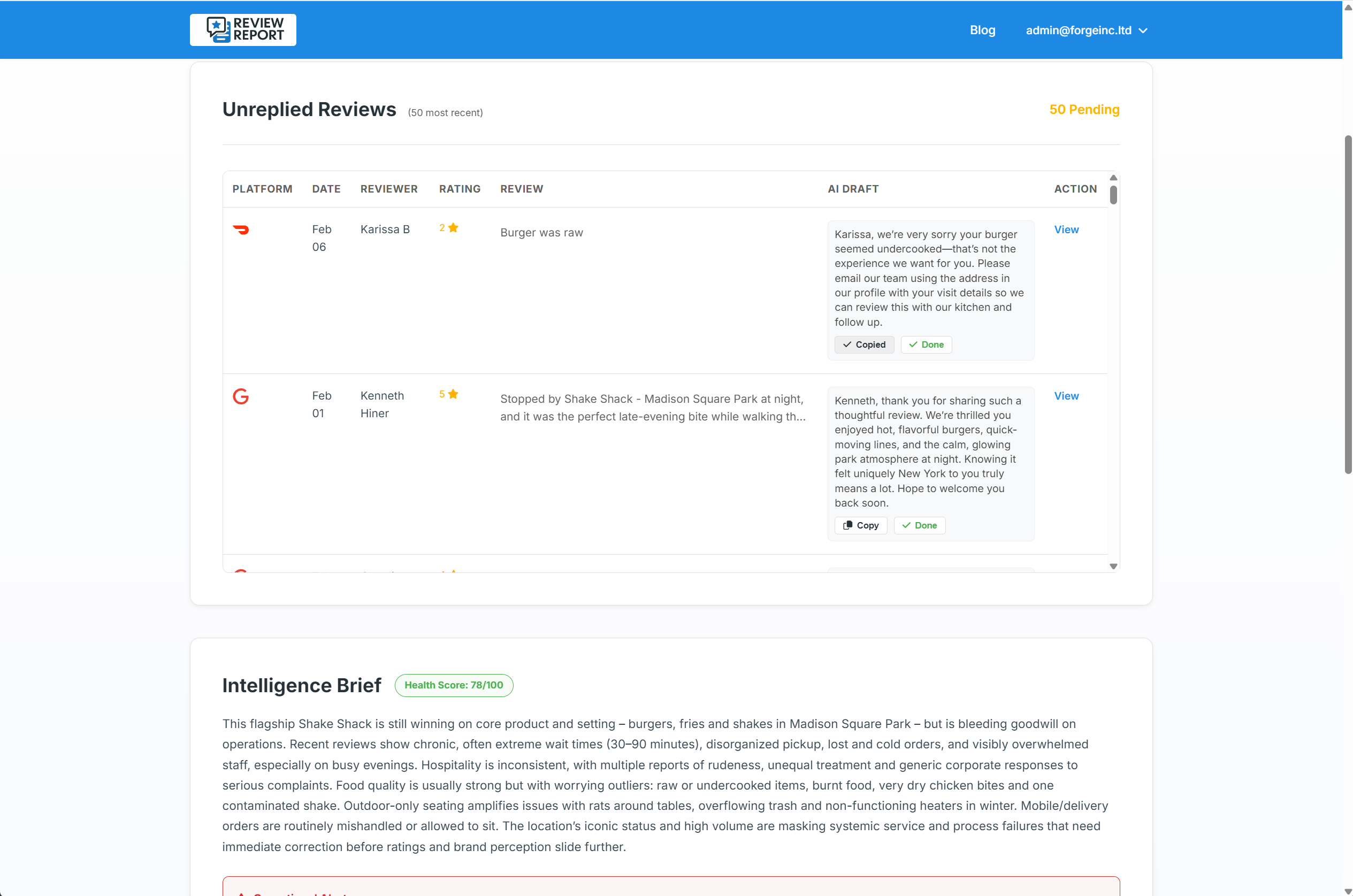
Once your report is ready, you will see up to 50 AI-generated drafts for your latest unreplied reviews.
Simply click "Copy" to save the perfect, polite response to your clipboard, paste it to the customer, and click "Done." It's that easy to clear your backlog.
(Note: For delivery platforms like UberEats and DoorDash, we will direct you straight to the correct page to paste your reply).
Unlock Menu & Staff Analytics
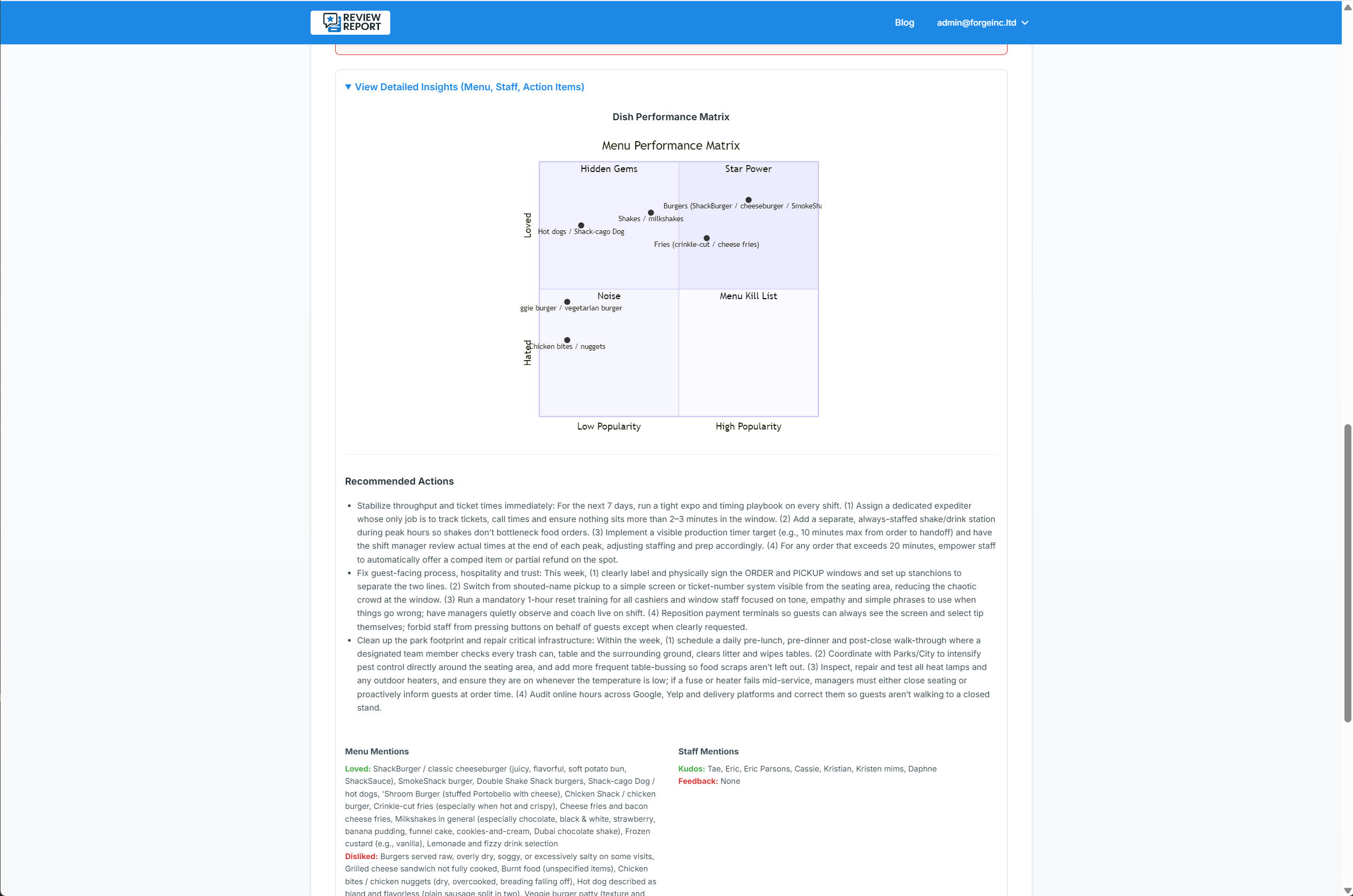
Your dashboard now features forensic intelligence based on all your historic reviews.
Menu Matrix: Discover your Stars (highly praised items) and your Dogs (items causing negative reviews, like soggy packaging). Fix kitchen issues before they cost you customers.
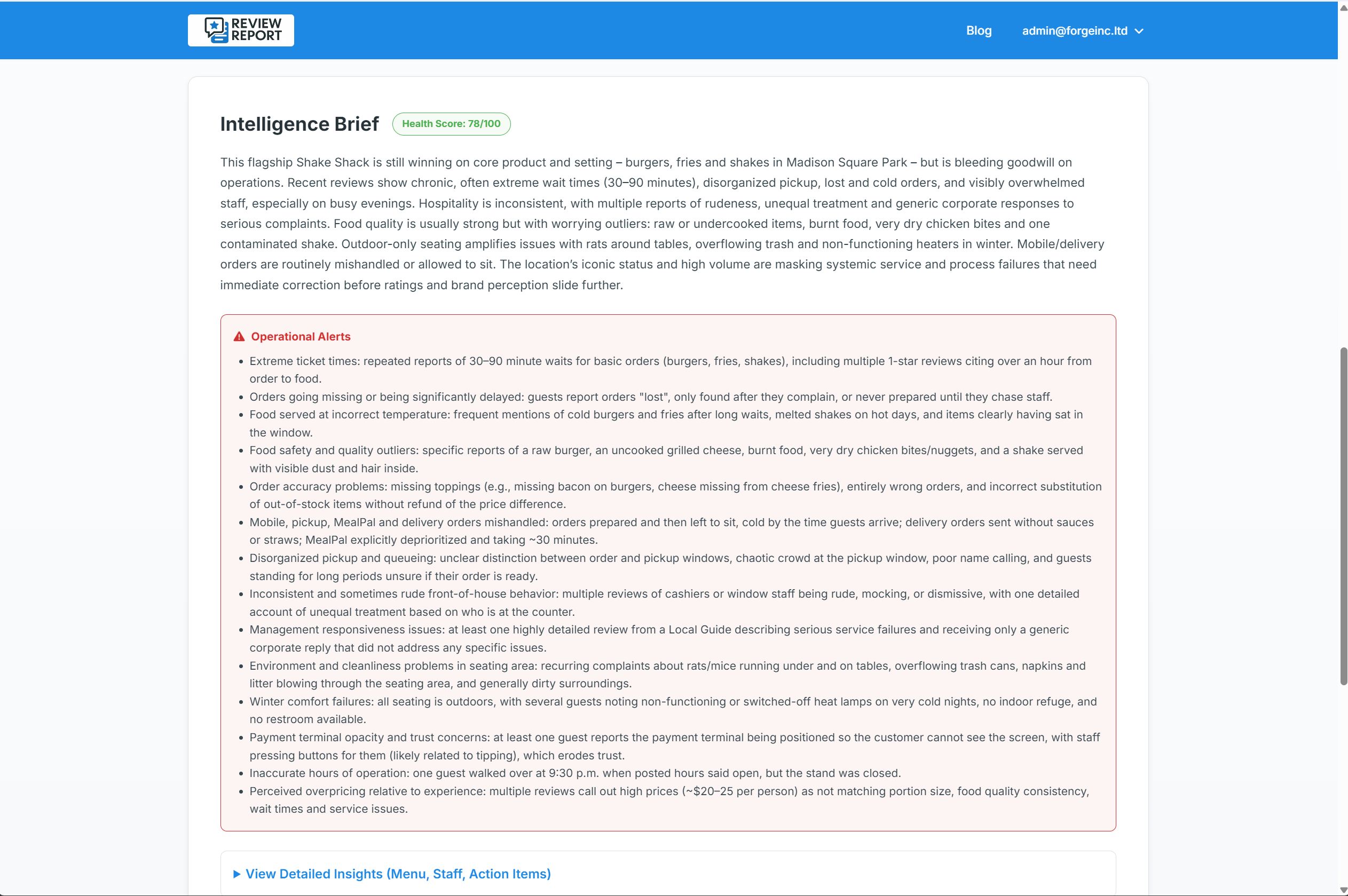
Staff Analytics:Track mentions of your team to drive accountability, reward great service, and manage your labor efficiently.